To check your VetFolio subscription renewal date, please follow these steps (and see the reference pictures below):
(Note: If you are an admin of a team subscription, be sure to switch to your Learner Profile before beginning the steps below.)
Sign in to your account.
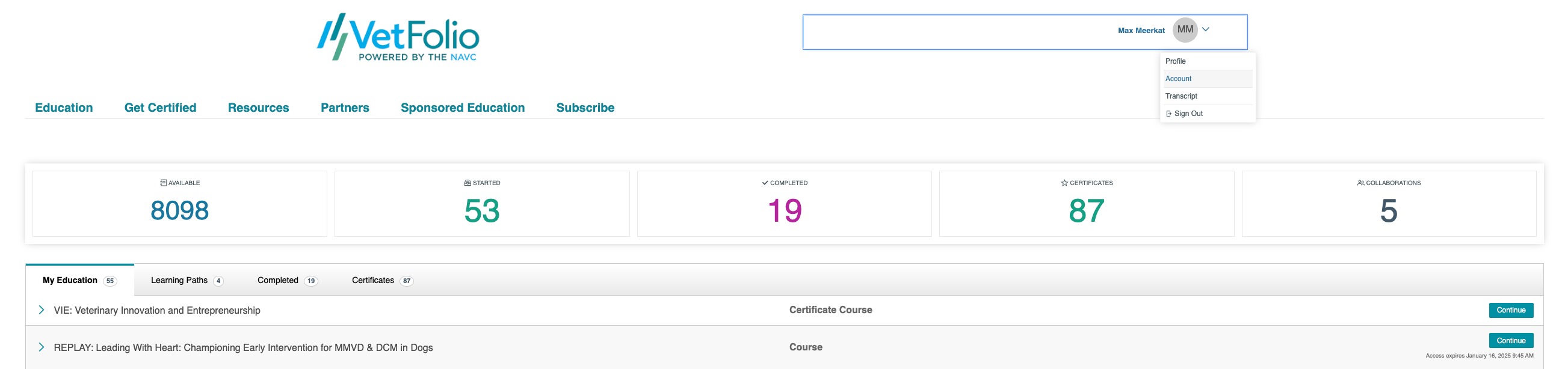
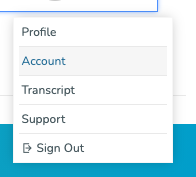
In the top right corner, click the drop-down menu next to your name and select Account.
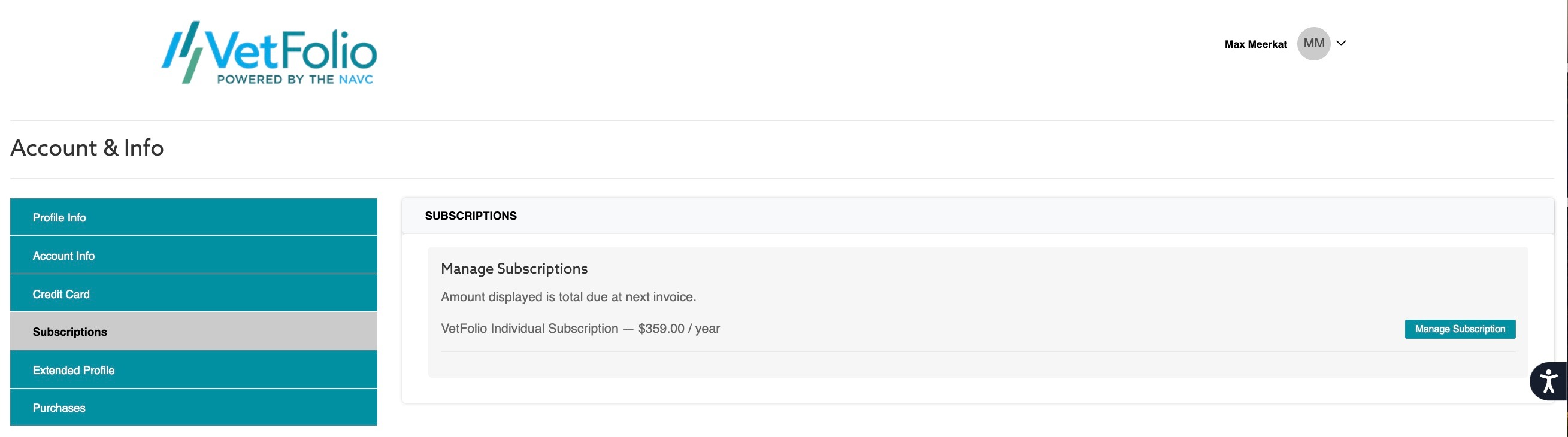
On the Account & Info page, select Subscription from the left-hand menu.
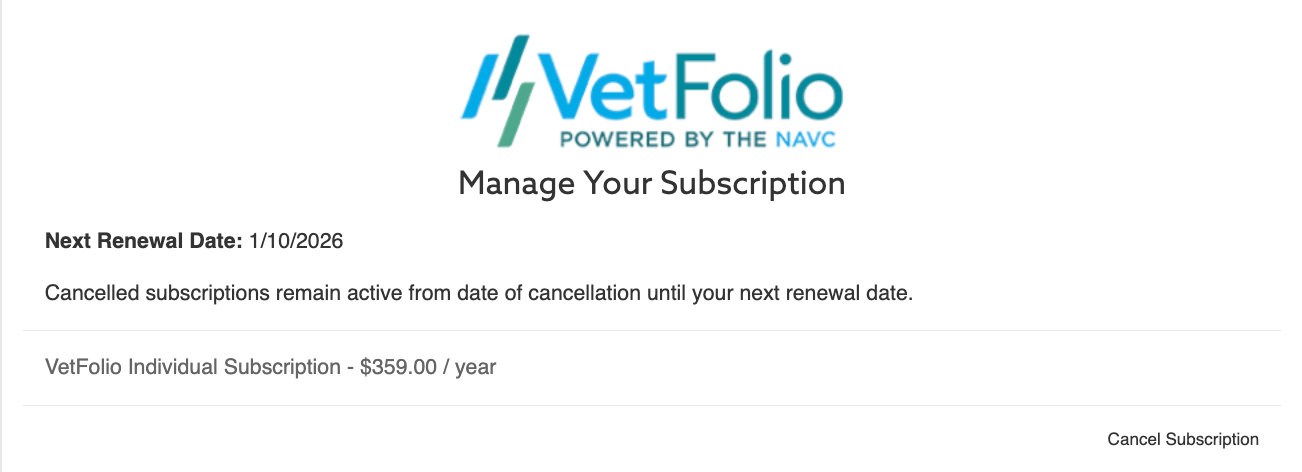
Click the teal Manage Subscription tab on the right to view your renewal date.
To return to your dashboard, use your browser's back button to go back to the subscriptions tab, then click the VetFolio logo in the upper left corner.
If you need assistance with this, please email us at support@vetfolio.com.