To cancel your VetFolio subscription from automatically renewing, please follow these steps:
Sign in to your VetFolio account.
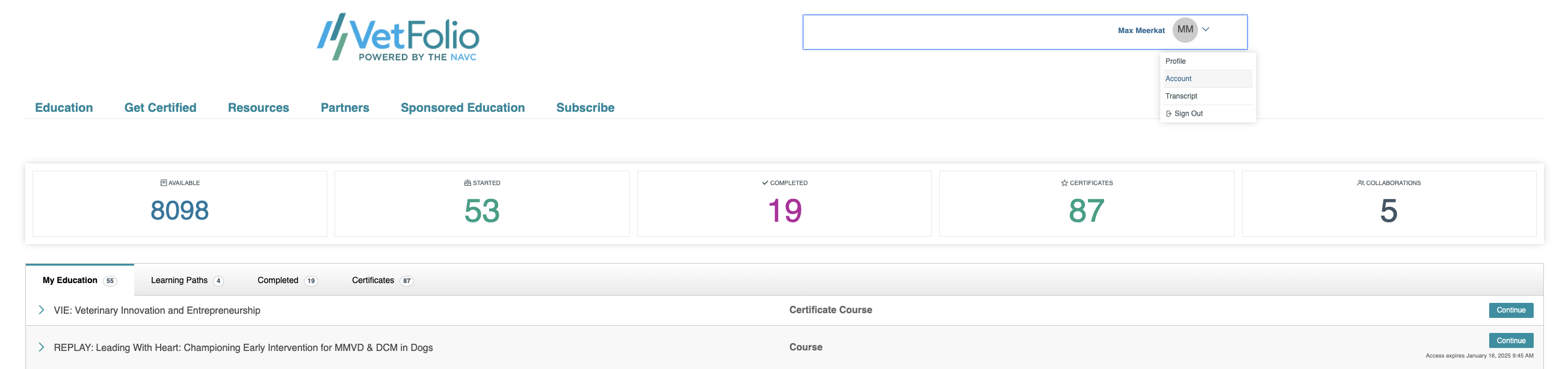
On the top right-hand side, click the dropdown menu beside your name and select Account. This will bring you to your Account & Info page.
On the left-hand menu, select Subscription.
Click the teal Manage Subscription tab on the right side of the screen.
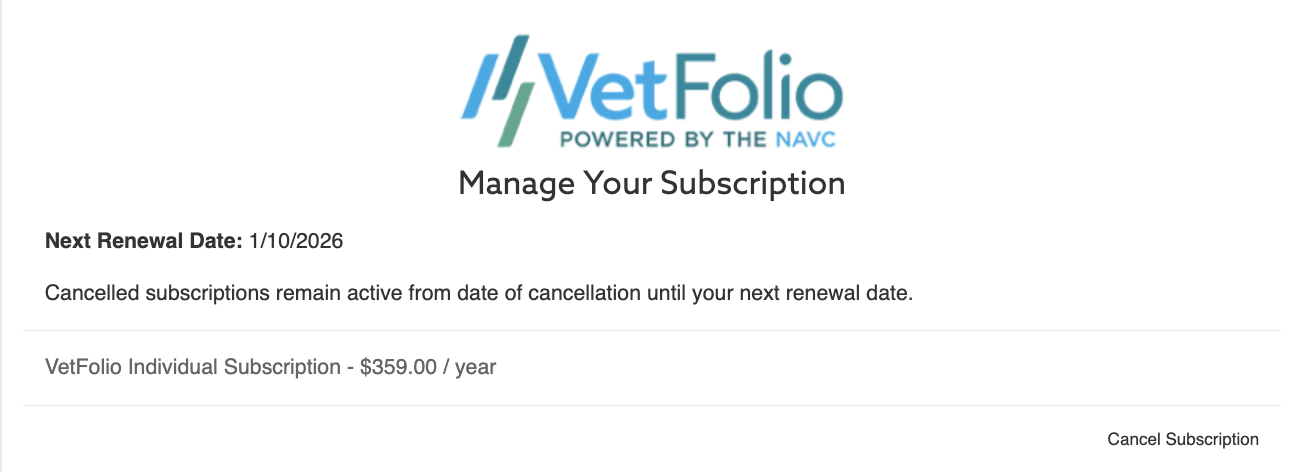
Click Cancel Subscription to cancel your subscription from renewing.
Once you choose to cancel, your subscription will remain active from the date of cancellation until your next renewal date.
If you need assistance with this, please email us at support@vetfolio.com or chat us using the blue chat bubble in the lower right-hand corner of the screen.