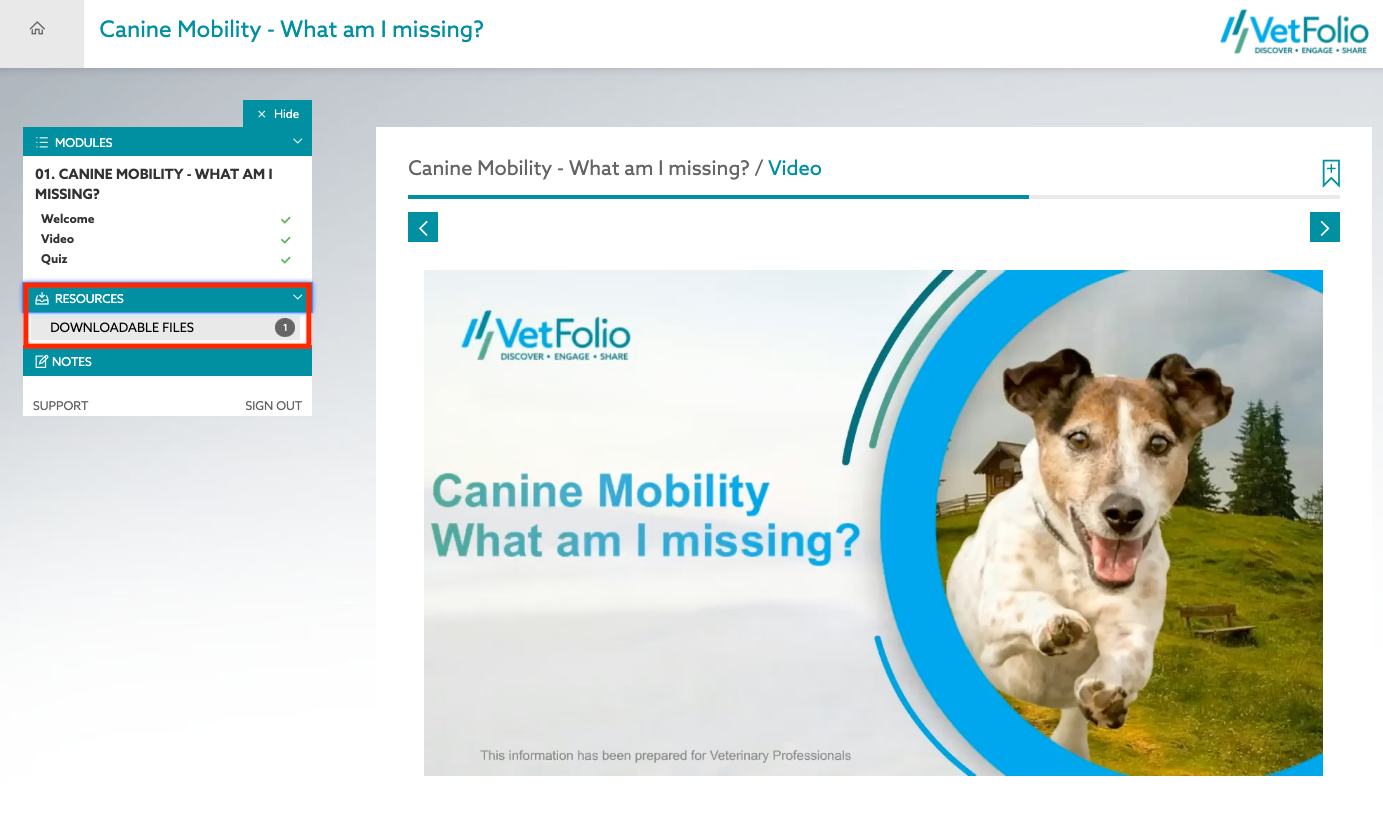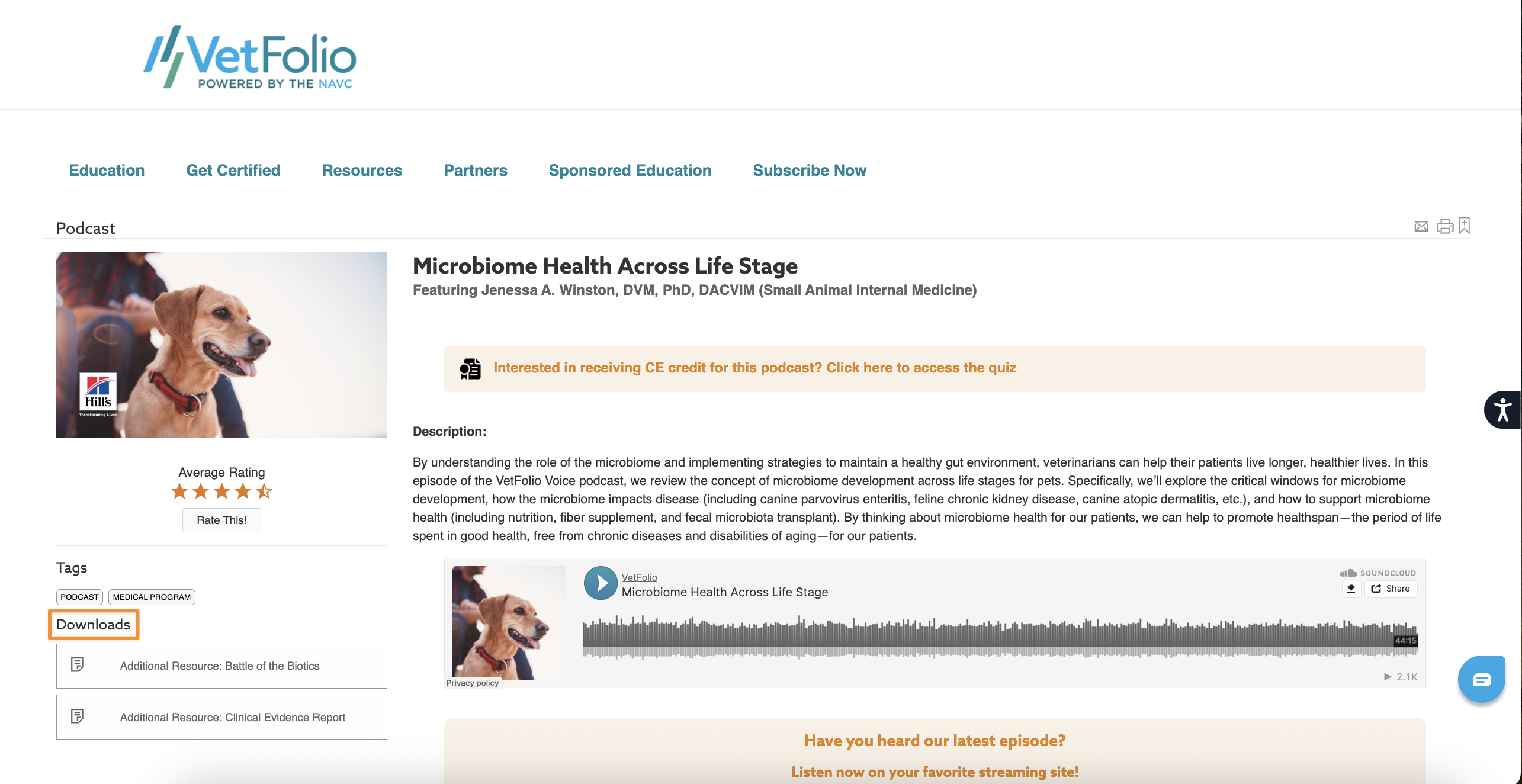
Some courses include downloadable resources or files within the course menu. This is where you can access and download any supplemental documents made available by the course author under the Resources or Downloads tab.
You can find the course menu:
On the left of the course in desktop view
Just above the course in mobile view
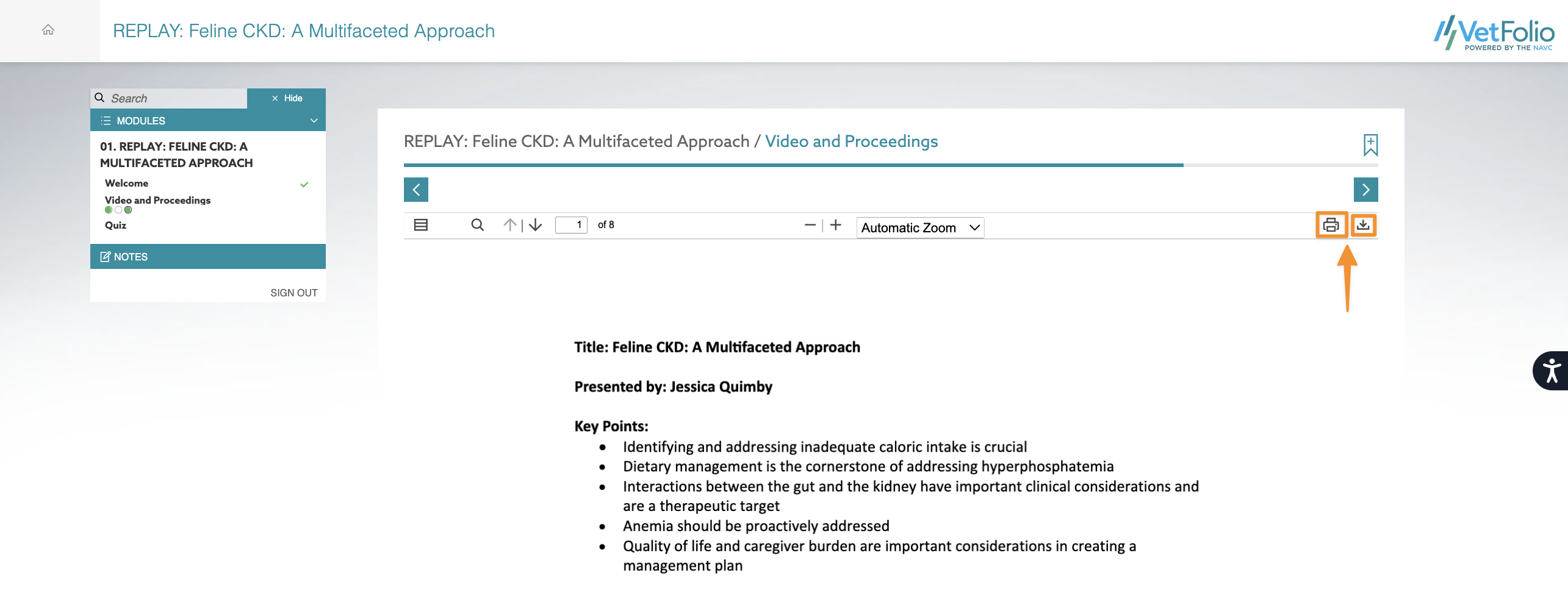
If files or pages are available for download, simply click the Print or Download options pictured below to save them to your device.