Yes, you can easily add any certificate you have earned directly to your LinkedIn profile. It will populate under the Licenses and Certifications section of your profile.
To add a certificate:
Log in to your VetFolio account and navigate to your Learner Dashboard.
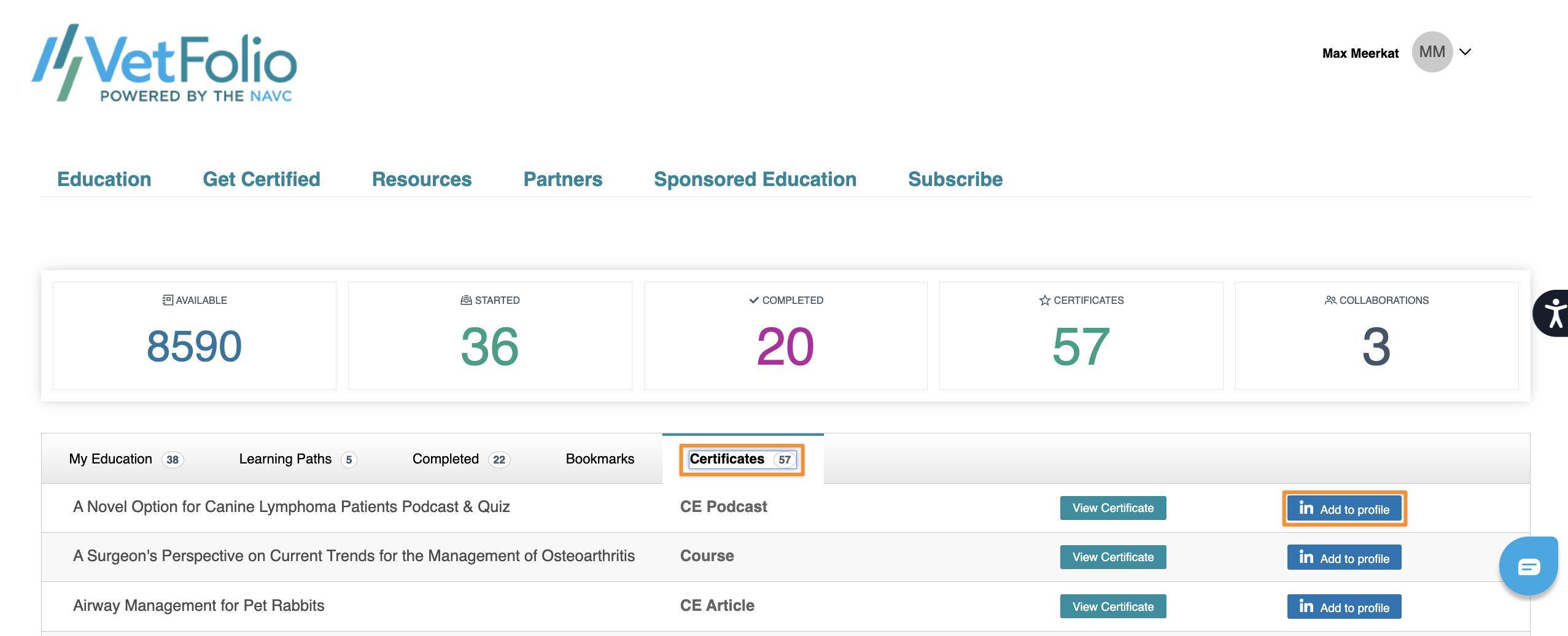
Go to the Certificates tab.
Locate your certificate and click the blue "add to profile" button pictured below to send it straight to LinkedIn.