Once you have completed a course/CE Article/Premium Content program/webinar, you will have access to your certificates on your dashboard under the Certificates tab. On-demand (or noninteractive) content requires the completion of a short quiz after viewing the content item. Live webinars (or interactive CE) do not require a quiz to be completed. Certificates for live webinars will automatically load into your VetFolio Learner Dashboard within 3 business days of the webinar conclusion. On-demand certificates will appear immediately.
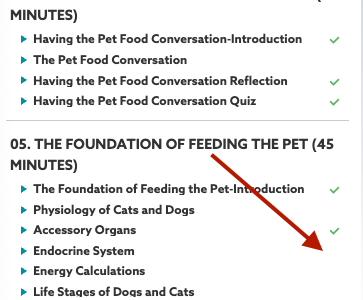
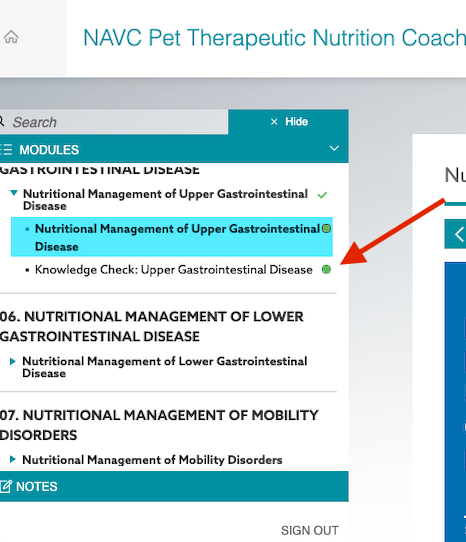
If your certificate is not listed in your Learner Dashboard, you may have skipped some of the content within your course. Please be sure all modules are either checked off or the bubble has been filled in. Once they are all completed and the exam/quiz has been passed, your certificate will be issued.