The VMX 2027 App Information will be available within the NAVC Events App closer to the event.
If you sign into the App and are on a different event than VMX 2027, please follow the instructions below to access the correct event. First, be sure you are signed in with the email you registered with.
On the top left, you will see three horizontal lines; click on them.
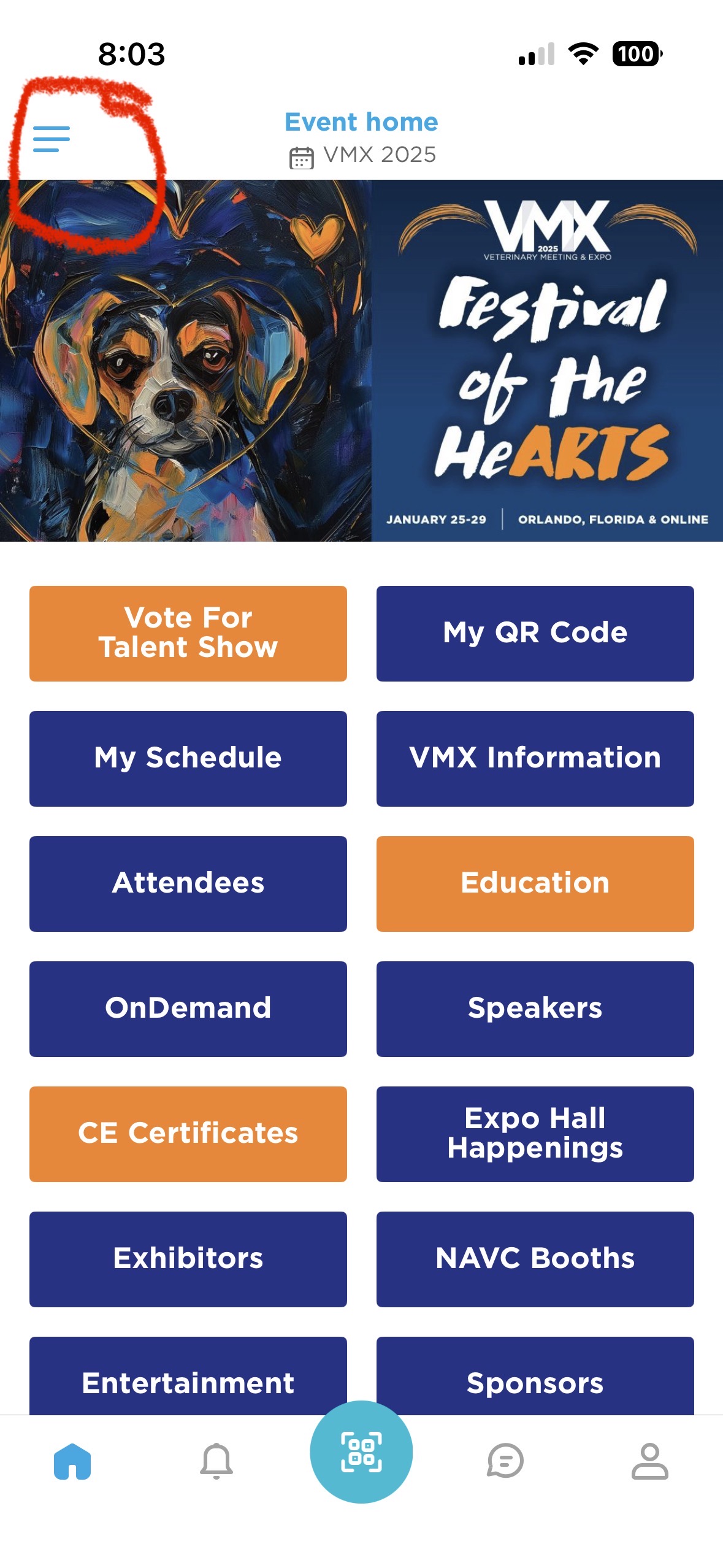
This will allow you to go back to all events, but first lands you on past events.
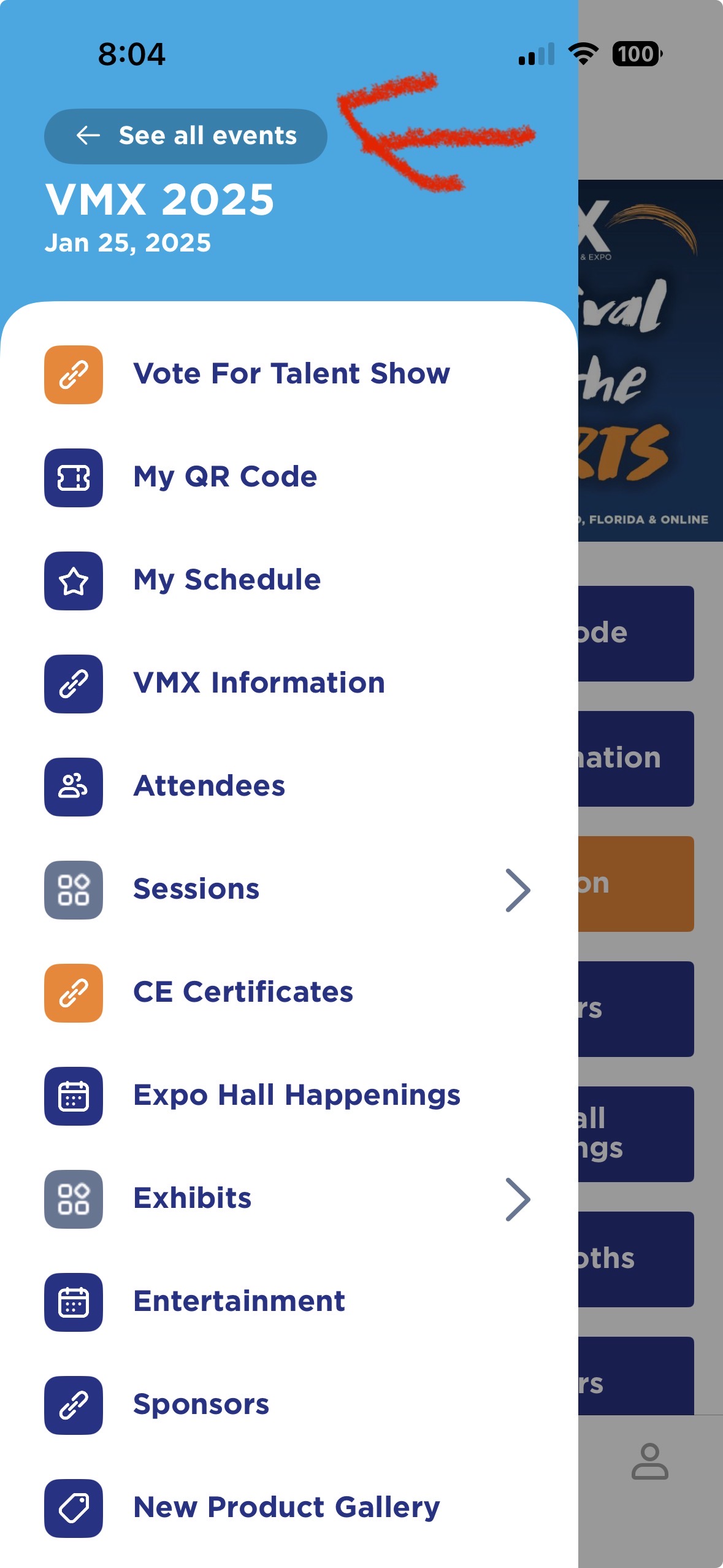
Click the back arrow to go to all events.
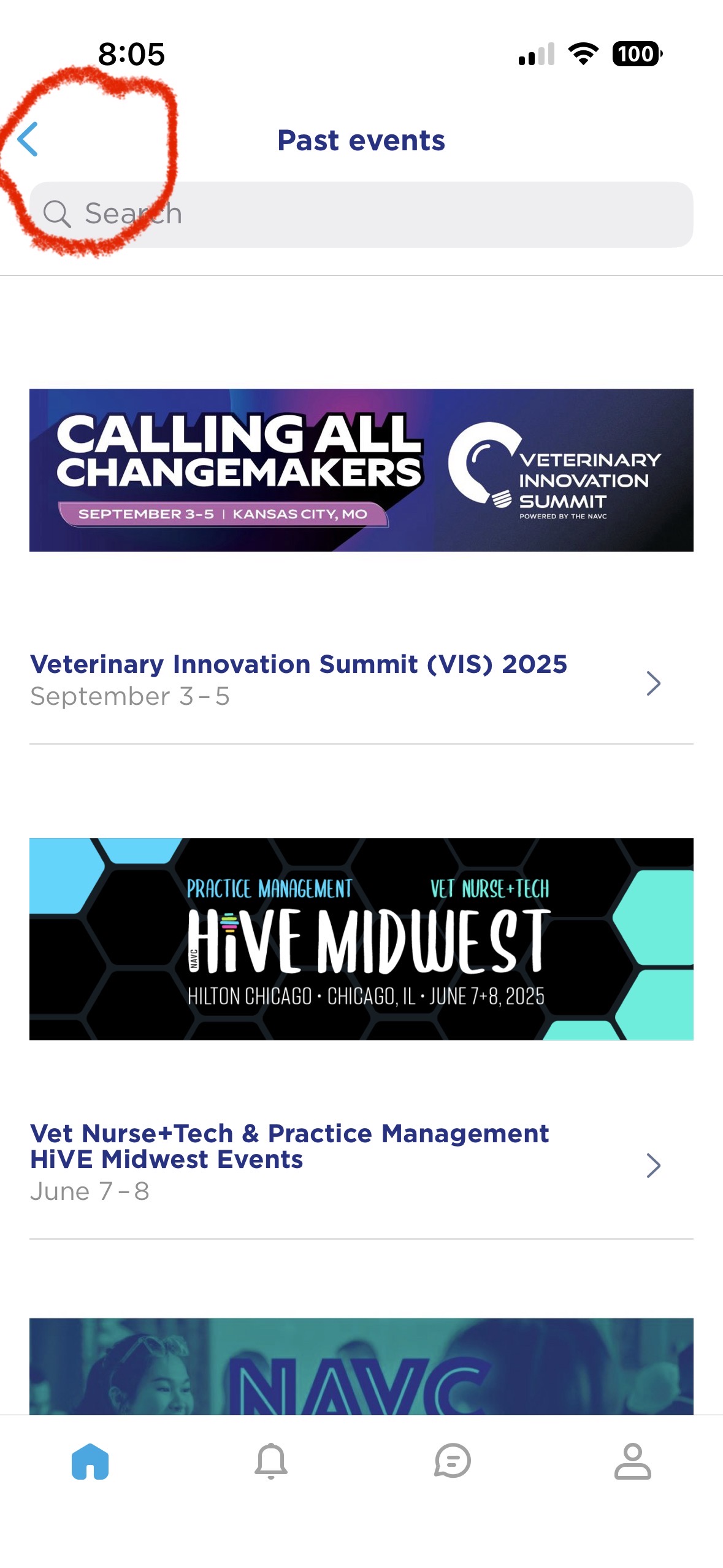
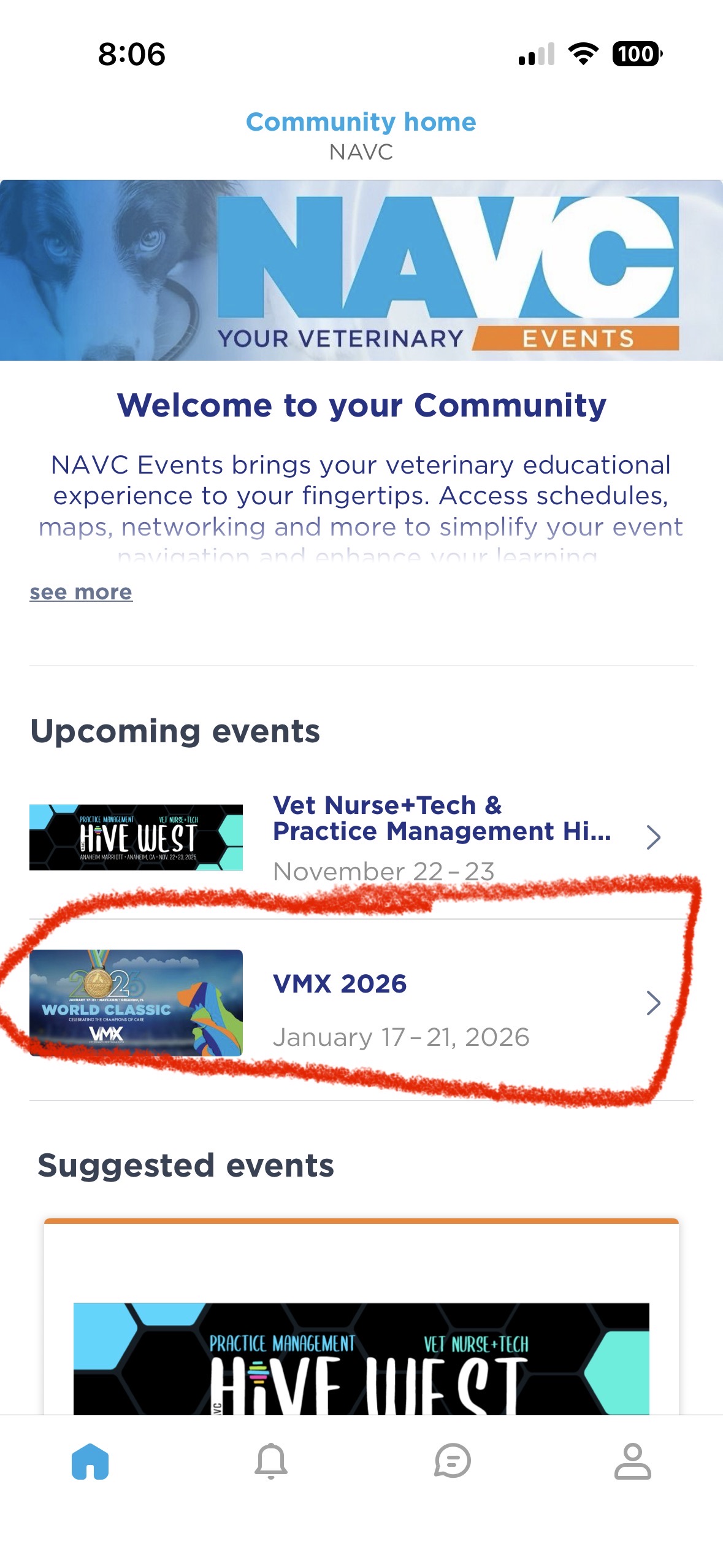
From here, you will scroll up to find VMX 2026. Click on VMX 2026 and you should be all set. Remember to sign in with the email you used for your registration.