
Once you have completed content, it will show up on your VetFolio transcript. To view your transcript, you must log into your VetFolio account. Once signed in, in the upper-right-hand corner of your screen, click the dropdown arrow by your initials and choose th =e Transcript option, pictured below. 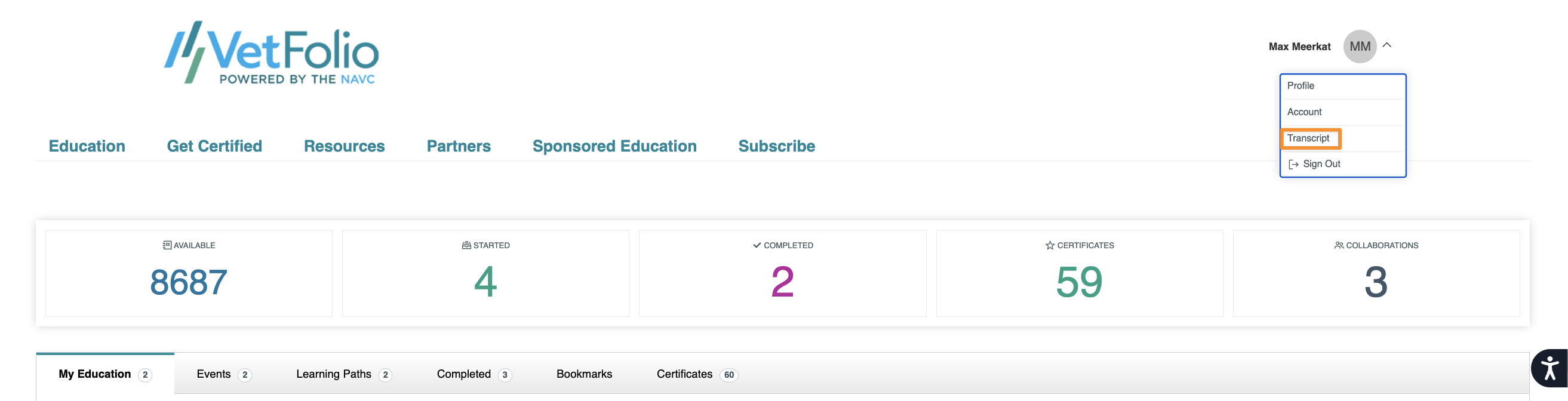
From there, you can view your transcript as well as print the pdf or save it as a csv to your computer.

Any questions about what is displaying on your transcript? Email us at support@vetfolio.com!